
Services
At the Library
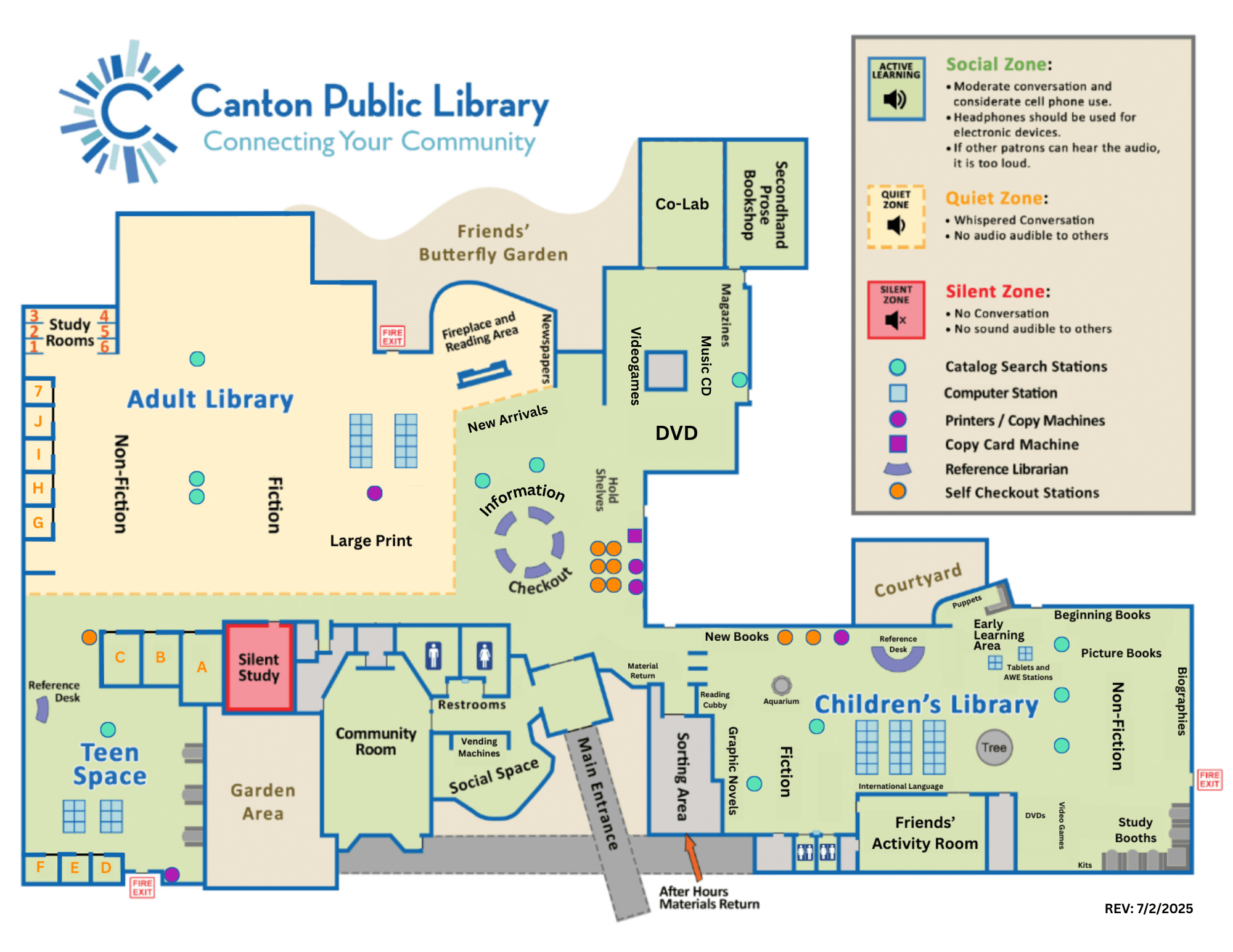
No two library visits look the same and our spaces are designed with that in mind. One day you might be collaborating on a group project; another day you may be looking for a quiet place to focus on your own. The library offers a range of spaces, from areas where conversation and collaboration are welcome to completely silent study, as well as quiet open seating and study rooms for individuals and groups.
Here’s a quick guide to the different spaces available, so you can choose the one that works best for you.

For Somewhere Quieter...

Silent Study
The library’s only completely silent space. Patrons are asked to silence all sounds from typing, wear headphones for any audio and leave the room to talk.

Adult Open Study Tables
Spread out and get to work with outlets, whiteboards, and comfortable seating in a quiet, open setting.

Adult Open Study Couch
If lounging is more your style, the couch and ottoman offer a relaxed place to work or read. Plenty of outlets and a great view make this a popular option.

Fireplace Area
Enjoy views of the garden from comfortable chairs or a sofa. Moveable worktables and abundant outlets make this a favorite spot for quiet work or reading.
With Space to Spread Out...

Teen & Children's Booths
Large tables with booth seating make this a great choice for individuals or small groups.

Teen Space Couches
Relax on the couch, pull over a laptop table, or just hang out in this casual seating area.

Pergola
This large, coffee bar-style space has a cozy feel and features a large whiteboard, perfect for working things through.

Bar and Study Tables
Large tables, plenty of outlets and natural light make this a popular spot. Quiet conversation is welcome.
With Space for a Group...

Co-Lab
A large, flexible space for groups or individual users. Moveable chairs and tables, whiteboards and sound-dampening panels can be rearranged to fit your needs.

Study Rooms
Seventeen enclosed study rooms are available for individuals and groups.

Community Room
Two large meeting rooms are available for community, educational, cultural, and civic gatherings. They may not be used for commercial, sales or profit-making activities.

Friends' Activity Room
Two large meeting rooms are available for community, educational, cultural, and civic gatherings. They may not be used for commercial, sales or profit-making activities.
Room Reservations
Meeting Rooms
- The Community Room can accommodate up to 100 people, depending on the setup.
- The Friends’ Activity Room is ideal for smaller groups of 10–30 people.
- Rooms may be reserved by Canton Public Library cardholders age 18 and over in good standing (including standard, non-standard, and purchased card types) as well as by designated representatives of Canton-based nonprofit or community organizations.
Please read the Meeting Room Policy before submitting a room use application.
Study Rooms
- The library has 17 study rooms available at no cost for individuals and groups.
- Study rooms may not be used for commercial, sales or profit-making activities.
- Eight rooms are available on a first-come, first-served basis.
- Nine are reservable by Canton Public Library cardholders age 13 and older in good standing (including standard, non-standard, and purchased card types).
Please read the Study Room Guidelines before reserving a study room.
Reservation FAQs
-
To cancel your Study Room reservation, use the link included in your confirmation email. If you can't find the email, please call the library at 734-397-0999, and staff will be happy to help.
If a reservation is not canceled and you do not show up, it will count as a no-show. After three no-shows, your Study Room reservation privileges may be suspended for six months.
-
Study Rooms and Meeting Rooms are available at no charge to Canton Public Library cardholders (standard, non-standard, or purchased card types) in good standing, or to designated representatives of Canton-based nonprofit or community organizations, such as homeowners associations, acting on behalf of the organization. See Meeting Room policy for details.
-
Food and non-alcoholic drinks are allowed in Meeting Rooms. Rooms must be cleaned and restored to original condition at the end of the reservation period or we may assess a cleaning fee or suspend future room use.
-
Meeting Rooms may be reserved up to two months in advance.
-
No. To ensure fair access, all reserved rooms must be vacated at the end of the reservation period, even if they appear unused afterward.

Computers & Technology
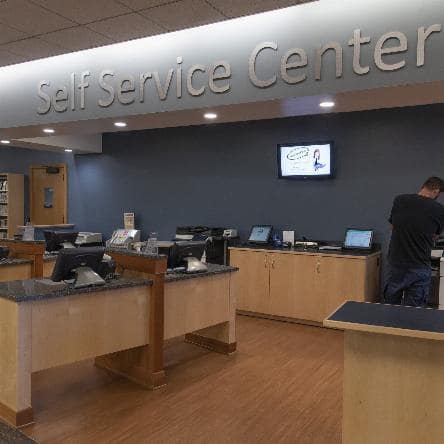
How Do I Print?
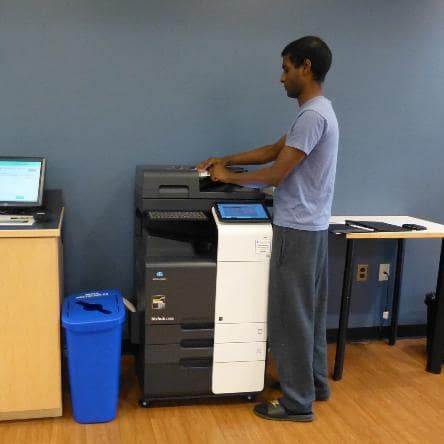
Our Self Service Area Is Your New Home Office

Where Can I Plug In and Get on the Internet?

Need to Fax?
How Do I Print?
Our Self Service Area Is Your New Home Office
Where Can I Plug In and Get on the Internet?
Need to Fax?
Computers FAQ
-
To attend a Zoom program you must first install Zoom on your computer, laptop, or mobile phone from https://zoom.us/. You will typically receive an email from the library with the Zoom link 24 hours before the program starts, though see individual event descriptions for exceptions. Once the program starts, click on the link provided to join the program. Some programs require microphone or camera access in order to participate.
-
Yes! You will need to bring your own device and headphones. We have Wi-Fi and 17 first-come, first-serve study rooms in our eastern wing. The study booths in the Children’s section and Teen space are also excellent locations to conduct a Zoom meeting. Please use your headphones and keep your voice to a moderate conversation level.
When in doubt, check the noise zone map to make sure you are in an area that is ok. Learn more about the zones here.
-
There are five multifunction printers available at the library, two in the Self Service Center near the self-checkout stations, one by WebExpress, one in the Teen Space and one in the Children's Library. You can use these machines to scan, fax, print or copy documents. Need help? We are happy to assist.
There's no charge for scanning or faxing, but to print or copy, we recommend purchasing a copy card. A reusable copy card costs $1 and starts out with $.50 of credit. You can recharge the card with $1 bills. Payment in lieu of a copy card is also accepted at each service desk.
- Black and white printing and copies cost $.10 per side, or $.20 for a double-sided page.
- Color printing and copies cost $.50 per side.
- The cost is the same for letter (8.5 x 11) and legal size (8.5 x 14) print outs and copies
You can also print wirelessly from your own device. Click this link to find out how.
-
This is not a service offered at CPL. You are welcome to use any of our public access computers or other self-service devices.
-
CPL has multiple areas with computers for public use. A library card is not required.
Public computers are filtered per Michigan State law. Please note:
- The six computers in WebExpress marked with green tape across the top of the monitor are restricted to 18-years-and-older by law because they provide unfiltered web access.
- Public computers will only store your working files until the end of the day. Be sure to save your files to a USB flash drive or web storage.
Free Wi-Fi, electrical outlets, and USB charging outlets are also available throughout the building. Three stations with spare monitors, HDMI cords, and multiple outlets (for use like docking stations) are available for use in the Teen Space.
Internet connections provided by the library are unsecured and unencrypted; use at your own risk.
Use of our Wi-Fi or public computers implies your acceptance of the Acceptable Use provisions of our Computing Resources Policy when you connect to the cpl network.
Services at the Library
Services

3 Ways to Get Library Materials
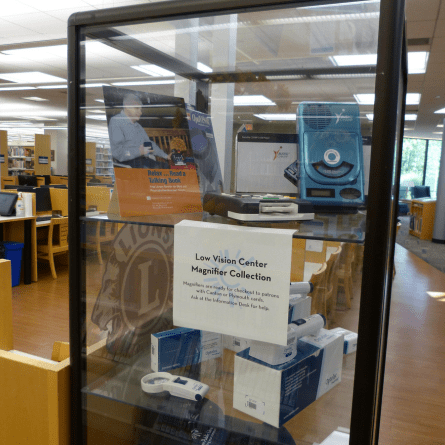
Low Vision Aids at the Library

Tips for Power Outages
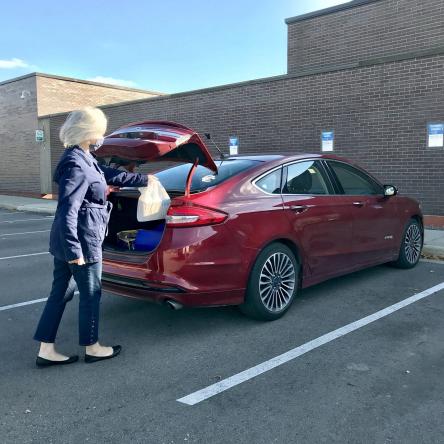
Try Our Curbside Pickup